Post Lesson Tasks: Your tech is sorted…time to focus on learning

It’s been a crazy few weeks. Weeks in which, we’ve seen our entire industry turned on its head, and the mad scramble as we all tried to adapt and keep up. I think for the most part, we’ve done incredibly well. Schools moved online in days, amazing teachers adapted to new class”room” environments in their own homes.

For many of us the first step was finding a platform. Our emails and Twitter feeds were awash with communication from Zoom, Teams, Swivl and countless others offering their help in these difficult times. Once that was sorted, it was on to training. There were literally more webinars than I could keep up with as we all tried to figure out what a breakout room looked like on various platforms.

It was all a bit crazy but we learnt so much in such a short period and to our credit, classes continued. A truly amazing example of need driving innovation. But now the dust has settled…somewhat, and we have chosen our platforms, our breakout rooms are set up and we’ve, hopefully, carved out a section of our houses in which we can deliver lessons without dogs, cats, children or partners. Now that the tech is sorted, what’s next?

Now, it’s time to move our discussions back to the teaching and learning.

But isn’t good teaching good teaching regardless of online or in a classroom?


Well, yes, of course it is. But for our students, when it comes to online learning, there is a lot more responsibility on the student. Autonomy is no longer something a nice-to-have, it is essential. It’s not quite so easy to set up an activity and then move around the room guiding learners and ensuring they’re on task.

I read an interesting blog post earlier that encouraged me to write this one. Russell Stannard wrote that in his language learning experience, it was the work he did outside the classroom that really helped him to learn. He admits that this was guided by his teacher but it was he who put the work in outside.

This rang very true for me and now more so than ever our learners need clear guidance on post-lesson tasks. With that in mind, below are 3 tips for setting up effective post-lesson tasks. I am no expert in online learning but this is what I’ve gleaned thus far. I’m sure we all have much more to learn.

Tip 1: establish clear partners and guidance on how to chat

This is all new for us but it’s equally so for our learners. They might be used to chatting online socially but doing so for educational purposes might not immediately feel natural. We have to take their feelings into account and make it as easy as possible. Much like happened in my classroom once. I was being a little lazy and my instructions weren’t clear. I realised after a minute into a pair-work activity that one student was working by themselves because their partner had decided they were in a 3. It had become too socially awkward for the student so they’d chosen to work by themselves. Imagine that in an online scenario where someone has to make the first move.

Remember:

  • Give partners and put it in writing
  • Explain how and when they should carry out the task (e.g. immediately after the lesson / on Zoom)

Tip 2: Post-lesson tasks are not the same as homework.

A lot of the post-lesson tasks I’ve been seeing have been similar to traditional homework. While self-study homework is important for consolidation, the beauty of online study is the opportunity for post-lesson collaborative tasks.

These tasks can’t just be straight grammar or vocabulary exercises, instead consider the following:

  • Reflection discussion questions:

Encourage your learners to consider some or all of the following: how what they’re learning is relevant for their lives, how it is different or similar to their language, how it can be applied to the current situation, what else they need to know or learn on this topic / skill / language point.

  • Production tasks:

Once they’ve considered how what they’ve learnt us relevant to them or thought about what else they’d need to learn to make it relevant, it’s time to practise. These tasks should ideally include some practise with their partner(s) and something that is recorded and can be sent to the teacher for feedback, be that a screen-grab of a chat conversation, a recording of a spoken conversation or a written task.

The idea is that learners can practise and get feedback from their partners before they send it through to the teacher.

The issue with this is always how can we expect students to give any meaningful feedback? The answer is Tip 3.

Tip 3: Give clear success criteria for the production tasks

With clear success criteria, students know exactly what to listen/look for in their partners’ production. They’re based on what’s been learnt in the lesson so it’s not new information but the criteria serve as a reminder of what to look for.

An example of success criteria for a production task would be:

Have a conversation with your partner about your plans for the weekend.

A successful conversation will:

  • Begin with present continuous (e.g. what are you doing this weekend?”)
  • Use “be going to” for plans
  • Use the natural pronunciation of “be going to”
  • Have natural replies (e.g. “oh that sounds nice”)

The above ensures that students can give effective feedback without it verging into offensive as it boils it down to what was learnt in the lesson, which makes it that bit more objective. Students can even use them to ask their partners to focus their feedback on a particular area they struggle with.

It’s not a bad idea to spend some time in the lesson discussing how to word effective feedback (e.g. “you used be going to for your plans but you didn’t say gonna like we learnt in the lesson. This could make it sound more natural”)

Hopefully these tips will help you to set up post-lesson tasks that help to consolidate and extend your already wonderful lessons.
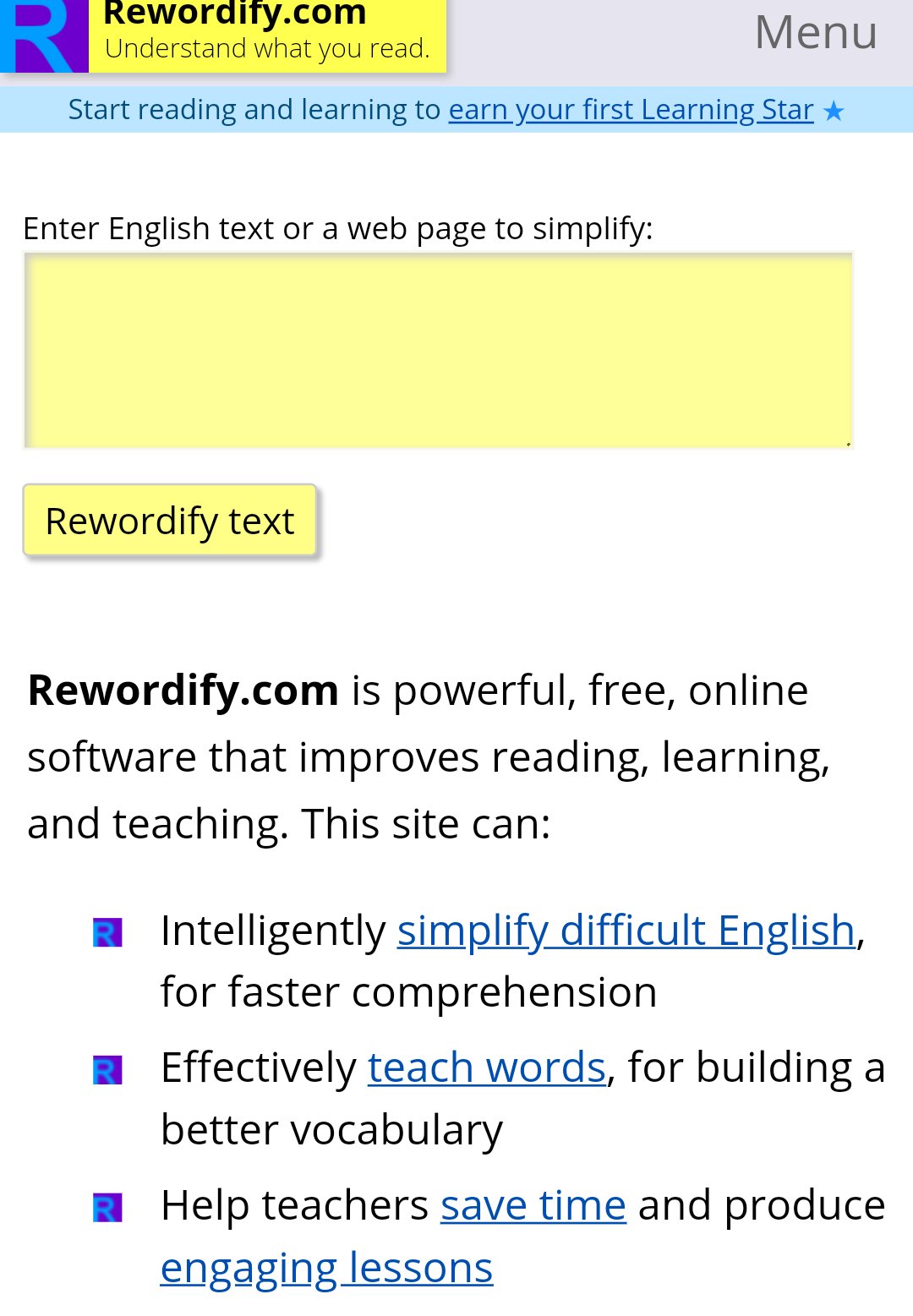
Rewordify: website for simplifying a text

So you’ve got a text and it’s ridiculously interesting but it’s just that little bit too difficult for your students…

If you’ve ever been in that situation, you might want to try rewordify. A colleague of mine put me onto this website a few years ago and I thought it was time to pass it on.

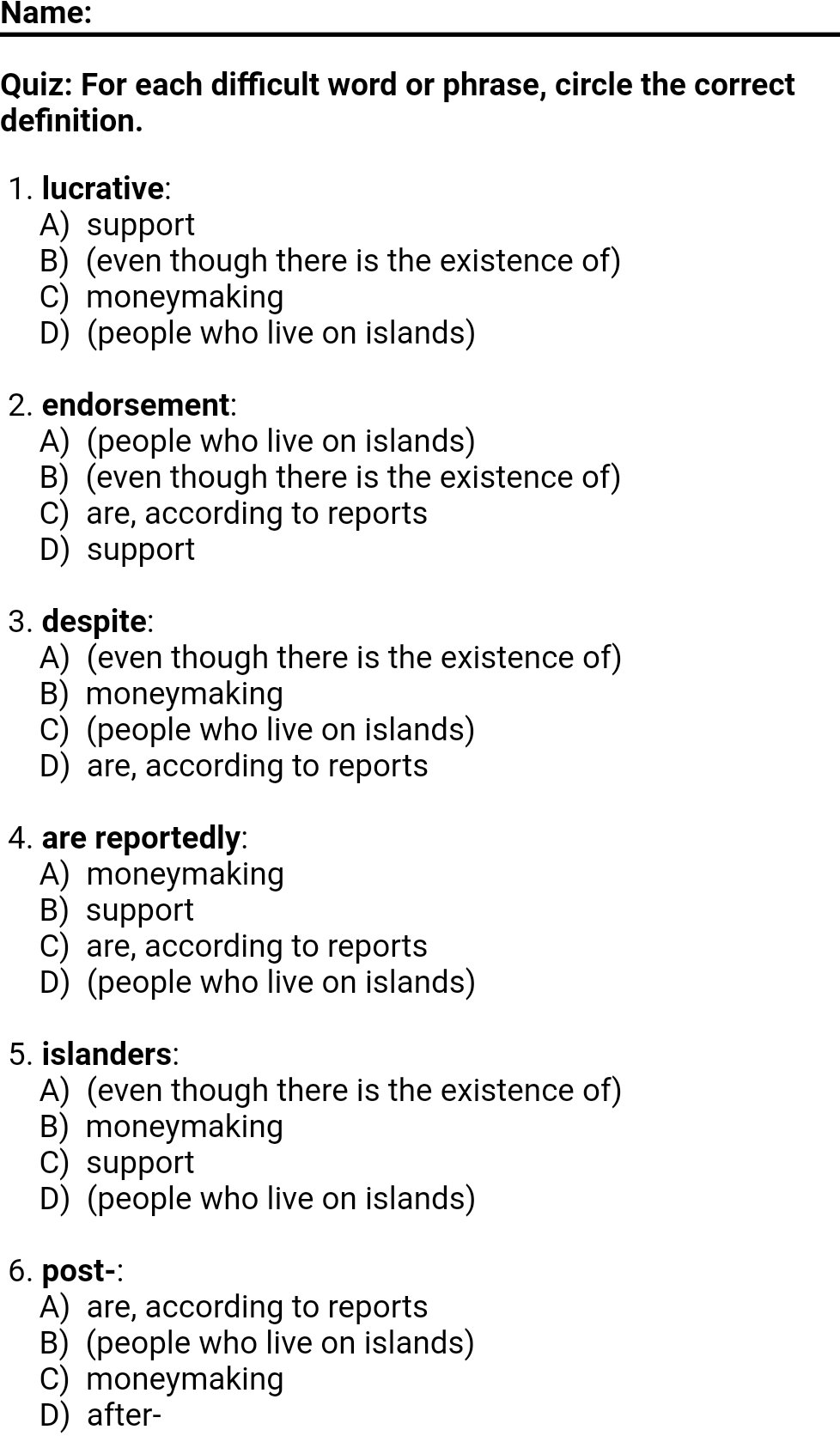
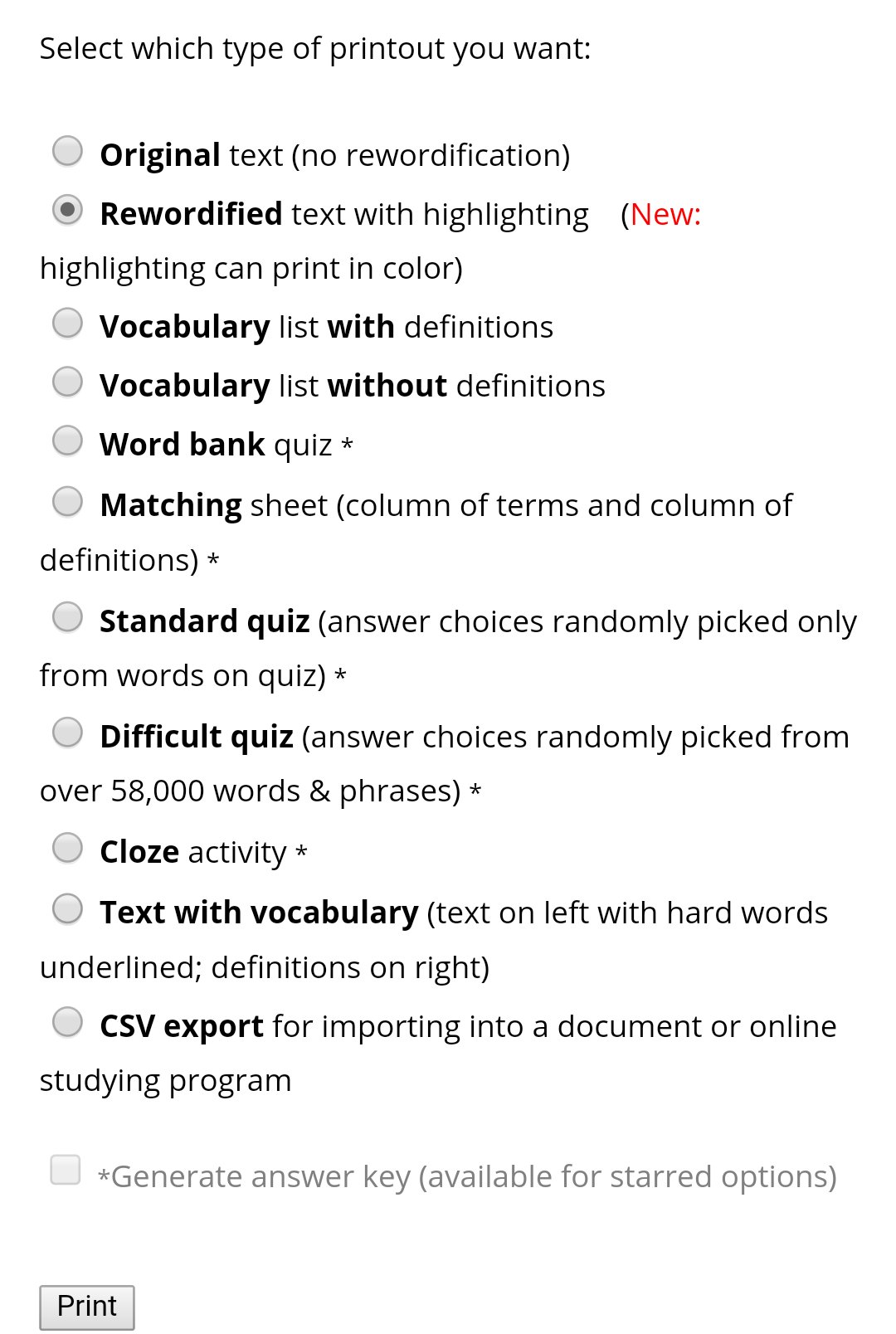
The idea is simple: you put your text in and it dumbs it down with helpful synonyms and explanations. You may argue that this isn’t authentic and that it stops the flow of the text and you are probably right. But what I love about this website is it then lets you create worksheets for all of the trickier words.

Here are two ways I have used it in the past:

  1. I simplify a newspaper article on a current issue for a lower level class. We work through the trickier language using the worksheets. I then let them watch a news segment on the same topic and discuss the topic. The worksheets have allowed them to both understand the video and discuss it.
  2. When teaching CAE and CPE, encouraging them to show off or upgrade their language in their writing can be difficult. I like to dumb down a text using this website and set them the task of upgrading it. I then get them to compare it to the original and see how they did.

It’s a great little website. Check it out and let us know how you use it.

If you’d like to learn about more useful websites, check out this blog.

The write stuff – CPD

So, this was a session that I did with some teachers at our school, EC, a few years back, it got great feedback at the time and I am constantly pleased to see that some of the ideas from it are still being used in our classrooms today.

If you have used many of the writing materials posted on the site you will probably recognise some of the ideas if not actual full exercises here.  The idea of the CPD was to try to get teachers thinking about teaching writing, and what that involves rather than just setting writing.  There is an accompanying booklet that goes with the CPD as I don’t think there is much point in giving teachers ideas without giving them a helping hand to put them into practice.  They are busy and often won’t have time to plan a lesson using the new ideas so anything that can be done to make it easier for them to implement ideas is a good thing in my book.

The procedure below is just a talk through the power point which you can download below.

The session format is more workshop than lecture, you need to give the teachers chance to discuss a few of the points.

Procedure:

Slide 2

  1. Discussion – The beginning is all about finding out what teachers do, some may have great practice already, doesn’t mean a refresher won’t help, some may not do so much, it is good to find out why.

1.1 Get them to check against the list on the screen, not all of them are good practice, in my opinion.  Now ask them to discuss why they do these things.

Slide 3

1.2 Answer reveal – this is how i would divide them, this may create discussion, which is the idea, but explain there is nothing wrong with any of the activities on the ‘No, something else’ side, but that they are not teaching writing.

Slide 4

2.1 The focus of this is to ask teachers why model answers are useful.  There is a whole lesson on this on the site.

https://textploitationtefl.wordpress.com/2015/07/26/model-answers/

Discussion – In pairs or groups ask them to discuss for maybe 5 minutes and then do a group feedback session.

The answers should be:

  • Can we assume that students will know what particular types of writing should look like?

No, task types can be different in different languages and writing types don’t necessarily translate

  • How does the student benefit from a model of the type of writing you are using?

They can see what you want them to produce, we all need this.  Also exposes them to the vocan and grammar that is appropriate for the type of writing and other features that make up register.

  • What happens when students aren’t given a model?

They don’t give you the piece of writing you want.  disappointed teacher, disappointed student, less motivation on both parts, downward spiral and so on etc.

Slide 5

This slide focuses on layout, again key in many styles of writing and something that is too often taken for granted.

3.1 Ask the teachers what styles of writing these are and how they know, ask if they think their students would know and why / why not?

Answers: letter – report – essay

What is the difference in layout? – letters have rules for how they are laid out – the report is normally divided into sections – essay features longer paragraphs etc

Why do students need to know these? – if they don’t, how will they write them?

Slide 6

Style and register – again this was looked at elsewhere, here in fact

https://textploitationtefl.wordpress.com/2015/06/10/how-can-i-write-it-if-i-dont-know-what-it-is/

4.1 Ask the teachers to briefy discuss the two questions on the slide and do whole group feedback

answers should include – you get inappropriate writing, or the styles are all mixed up. a very negative effect on the reader.

Slide 7

4.2 Show them the example and ask them what is wrong, for extra interactive work you could ask them to quickly rewrite a paragraph.

Obviously it is far too formal, but I am sure many of us have had a slightly less extreme version of this.  In my experience if shown this many students would be unable to say what was wrong and many might think it was very good.

Slide 8

Planning and editing

5.1 Ask the teachers to decide what other benefits of planning could be, maybe ask them to shout them out and then reveal.

Slide 9

Just acts as a reinforcement of importance of planning.  I find students who don’t plan have many mistakes in their first paragraph, normally as they have directly translated from their own language.  These can be lessened, if not eradicated, by planning in detail.

Slide 10

Lesson ideas, probably a good time to hand out the accompanying booklet, so they can see what each one is.

Materials:

As I said earlier, this was a session that we ran at our school, it was quite successful, feel free to use it and let us know how it goes, or feel free to adapt it and change bits around.